The 6 best free AI hairstyle apps for women (Android/iOS)
Welcome to Blackview (Well-known Chinese brand of AI smart glasses, rugged smartphones and Android tablets) blog. Hope this guide has been helpful.
Choosing a new hairstyle can be exciting, but committing to a haircut or hair color without knowing how it will look can be intimidating. Fortunately, AI hairstyle apps make it easier to experiment with different looks before visiting a salon. Using artificial intelligence, face recognition, and photo-editing technology, these apps can simulate haircuts, bangs, layers, curls, and different hair colors directly on your photo.
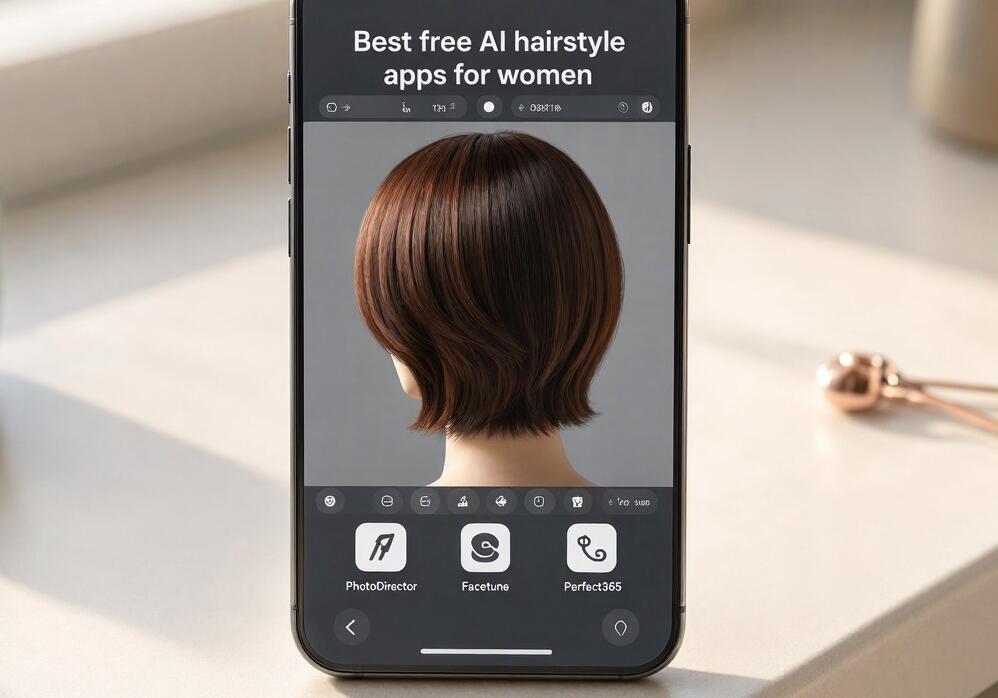
Whether you want to try a short bob, discover whether curtain bangs suit your face shape, experiment with blonde highlights, or simply find inspiration for your next makeover, a free AI hairstyle app can help you explore the possibilities. Here are six AI hairstyle apps for women worth considering on Android and iOS, with different features for virtual makeovers, realistic previews, and creative styling.
- Read also: 6 best free body editing apps to slim a body in a photo
- Best apps that can remove wrinkles from clothes in photos
- 5 best free palm reader apps for Android/iOS
- 7 best free AI hairstyle apps for men
- 5 best apps for whitening yellow teeth in photos
The 6 Best Free AI Hairstyle Apps at a Glance
- FaceApp – Best for realistic hairstyle transformations and quick photo makeovers.
- PhotoDirector – Best for AI-powered hairstyle experimentation and creative photo editing.
- Hairstyle Try On – Best for comparing different haircuts and hairstyles.
- Perfect365 – Best for combining hairstyle inspiration with virtual makeup.
- Facetune – Best for detailed hair editing and polished hairstyle previews.
- MyEdit – Best for AI-generated hairstyle variations and creative hair transformations.
1. FaceApp – Best for Realistic Hairstyle Transformations
FaceApp is a popular AI photo-editing application that can transform portraits with natural-looking results. Although it is widely known for its age and appearance filters, it also offers hair-related editing effects that make it useful for women considering a new look.
One of its main advantages is its straightforward interface. You can upload a portrait or take a new selfie, select an available hair-related effect, and preview how the transformation looks on your face. Depending on the available filters and subscription options, you can experiment with different hair lengths, colors, and overall appearances.
Key Features
- AI-powered portrait transformations.
- Hair color and appearance effects.
- Easy-to-use editing interface.
- Quick before-and-after comparisons.
- Natural-looking facial transformations.
Why choose it? FaceApp is a good starting point if you want to see how a different overall appearance might suit you without spending much time adjusting individual editing settings.
Free version: FaceApp offers free editing features, but some filters and advanced effects require a paid subscription. Check which hairstyle-related options are currently available in the free version before installing.
2. PhotoDirector – Best for AI-Powered Hairstyle Experimentation
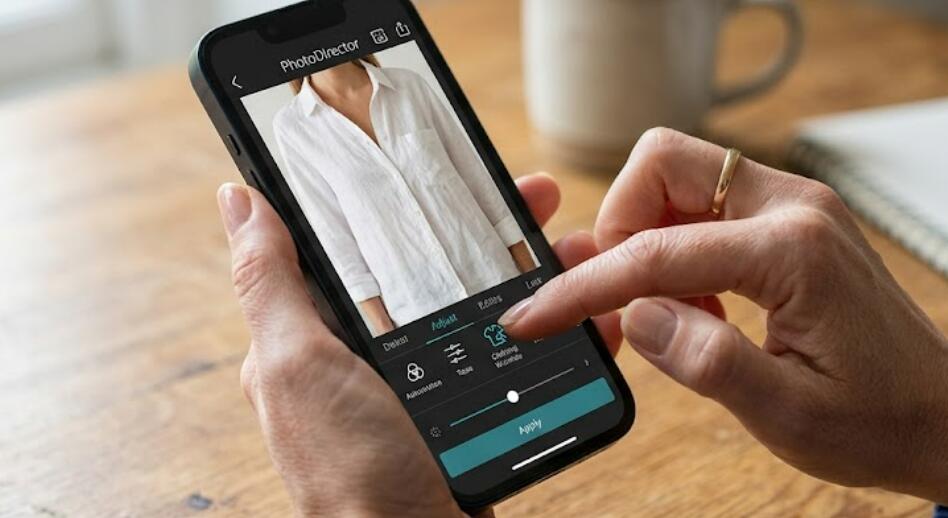
PhotoDirector, developed by CyberLink, combines AI photo editing with creative portrait-enhancement tools. It is particularly useful for women who want more than a basic hairstyle filter and prefer experimenting with different visual styles.
Depending on the current app version and available AI features, you can use its portrait and generative editing capabilities to explore alternative hairstyles, hair colors, and makeover ideas. Its broader editing toolkit also allows you to improve lighting, adjust backgrounds, and refine your final images.
Key Features
- AI-assisted portrait editing.
- Creative hair and appearance transformations.
- Photo enhancement and retouching tools.
- Multiple artistic editing effects.
- Additional tools for improving selfies.
Why choose it? PhotoDirector is a versatile choice if you want to combine hairstyle experimentation with general photo editing. It is especially useful for creating visual inspiration boards or comparing different makeover concepts.
Free version: The app provides free editing tools, while certain premium AI features, effects, and credits may require payment. Availability can vary by device and region.
3. Hairstyle Try On – Best for Comparing Different Haircuts
Hairstyle Try On is a practical option for women who want to focus primarily on virtual haircuts rather than general photo editing. Apps using this name are available from different developers, so it is important to check the developer and current app listing before downloading.
These applications typically let users upload a front-facing portrait and test different hairstyle templates. Depending on the specific version, you may find options such as short bobs, long layered hairstyles, pixie cuts, wavy hair, straight hair, and bangs.
Key Features
- Virtual hairstyle previews.
- Different haircut lengths and shapes.
- Hair color experimentation in supported versions.
- Photo-based hairstyle comparisons.
- Simple tools for exploring makeover ideas.
Why choose it? If your main goal is deciding between a bob, a pixie cut, or long layers, a dedicated hairstyle try-on application can be more convenient than a full-featured photo editor.
Free version: Many hairstyle try-on apps offer free downloads and a selection of free styles. However, some templates, additional hairstyles, or exports may be restricted to paid versions. Always verify the exact developer and in-app purchase details.
4. Perfect365 – Best for Hairstyles and Virtual Makeup
Perfect365 is primarily known as a virtual makeup and beauty application, but it can also be useful when planning a complete appearance transformation. Rather than concentrating exclusively on haircuts, it helps users explore how different beauty looks work together.
Its virtual makeover approach makes it suitable for women who want to consider hairstyle inspiration alongside makeup, skin appearance, and facial styling. You can experiment with beauty effects and use the results to develop ideas for a coordinated new look.
Key Features
- Virtual makeup application.
- Beauty filters and portrait enhancement.
- Different cosmetic looks and styles.
- Selfie editing tools.
- Complete makeover inspiration.
Why choose it? Perfect365 is worth considering if you are planning a complete makeover rather than changing your hairstyle alone. It can help you visualize how a new beauty look might complement your existing appearance.
Free version: Perfect365 offers free features, with additional effects and advanced options available through in-app purchases or subscriptions. Its hairstyle capabilities are more limited than those of dedicated virtual haircut apps.
5. Facetune – Best for Detailed Hair Editing
Facetune is a well-known selfie-editing app that provides tools for refining portraits and experimenting with different appearances. Its AI-powered editing features make it a useful companion when you want to explore hair-related changes while retaining control over the final image.
You can use supported retouching and AI editing tools to adjust the appearance of your hair, improve portrait details, and create more polished hairstyle inspiration images. Depending on the current version, some AI features may also help generate alternative looks.
Key Features
- AI-assisted portrait editing.
- Hair appearance adjustments in supported tools.
- Selfie retouching and enhancement.
- Detailed photo editing controls.
- Before-and-after comparisons.
Why choose it? Facetune is a suitable option for users who care about the details of their hairstyle previews and want to refine the overall appearance of their photos.
Free version: Facetune offers limited free editing capabilities. Many advanced AI tools and premium features require a subscription, so it is worth checking the free feature selection before relying on it for hairstyle experiments.
6. MyEdit – Best for AI-Generated Hairstyle Variations
MyEdit is an AI-powered creative editing platform from CyberLink that allows users to transform images using generative technology. It is particularly interesting for women who want to explore hairstyle concepts that go beyond traditional preset filters.
With supported AI image-editing and generation features, you can experiment with different visual directions, such as changing hair length, exploring new colors, or imagining a completely different hairstyle. Results depend on the selected tool, prompt, and original photo.
Key Features
- AI image generation and editing.
- Creative portrait transformations.
- Hair color and hairstyle concept exploration.
- AI-powered photo enhancement.
- Browser-based and mobile editing options, depending on availability.
Why choose it? MyEdit is a good option if you want creative hairstyle inspiration rather than simply placing a fixed haircut template over your selfie. It can help you explore different looks before discussing a specific style with your hairstylist.
Free version: MyEdit provides selected free tools or credits, while more advanced features and additional usage may require payment. Free allowances and mobile availability can change over time.
How to Choose the Right AI Hairstyle App
Not every hairstyle application is designed for the same purpose. Before installing one, consider what you actually want to achieve.
For Realistic Haircut Previews
Prioritize an application that offers dedicated hairstyle templates and accurate face alignment. A realistic preview is more useful than an attractive but heavily stylized AI portrait.
For Hair Color Experimentation
Look for tools that allow you to compare several shades, including warm blonde, ash brown, copper, chocolate brown, and black. Ideally, the app should preserve natural-looking lighting and hair texture.
For Complete Makeovers
Choose an app that combines hair-related editing with makeup and portrait enhancement. Perfect365 and FaceApp are worth exploring for this purpose.
For Creative Inspiration
Generative AI tools such as PhotoDirector and MyEdit can help you imagine styles that are not included in standard hairstyle libraries.
For Budget-Conscious Users
Check whether the hairstyle feature itself is free. An app may be free to download while locking its most useful AI functions behind a subscription or credit system.
Tips for Getting the Best AI Hairstyle Results
The quality of your original photo can make a significant difference to the final preview. Follow these suggestions to get more useful results:
- Use a clear, front-facing photograph: A photo with your face fully visible helps the AI identify facial features and position the hairstyle more accurately.
- Choose good lighting: Natural, even lighting makes it easier to distinguish your existing hair color and facial features.
- Avoid heavy filters: Beauty filters can interfere with facial recognition and make hairstyle comparisons less reliable.
- Try several lengths: Compare short, medium, and long hairstyles rather than immediately settling on one option.
- Experiment with hair colors: Try a few shades that complement your natural coloring instead of relying on a single dramatic transformation.
- Save your favorite results: Keeping several versions makes it easier to compare options and communicate your preferences to a hairstylist.
- Check the privacy settings: Review how the app handles uploaded photographs, especially if you are using personal selfies.
Are AI Hairstyle Apps Accurate?
AI hairstyle apps can provide useful visual inspiration, but they cannot perfectly predict the results of a real haircut. Generated images may change hair density, texture, volume, hairline, or even subtle facial details.
For example, a virtual short bob may look excellent in an app, but your actual result will depend on your hair thickness, natural texture, growth pattern, and styling routine.
Think of these applications as decision-making tools rather than professional salon consultations. Bring your favorite previews to your hairstylist and discuss whether the cut is suitable for your hair type and lifestyle.
FAQs
1. What Is the Best Free AI Hairstyle App for Women?
There is no single best option for everyone. FaceApp is worth trying for quick portrait transformations, PhotoDirector offers broader AI editing capabilities, and dedicated Hairstyle Try On apps are useful for comparing haircut templates. The best choice depends on which features are available without payment.
2. Can I Try Short Hair Without Actually Cutting My Hair?
Yes. Virtual hairstyle applications let you upload a selfie and preview shorter styles, including bobs and pixie cuts. The results are simulations, but they can help you decide whether you want to explore a shorter haircut.
3. Can AI Hairstyle Apps Change My Hair Color?
Many AI photo-editing apps offer hair color effects or generative editing tools. Depending on the application, you may be able to preview blonde, brunette, red, black, and other shades. Some advanced color tools require payment.
4. Are These AI Hairstyle Apps Available on Both Android and iOS?
Availability depends on the individual application, developer, and country. FaceApp, PhotoDirector, Perfect365, and Facetune have mobile versions, while MyEdit also offers web-based tools. Always check the Google Play Store or Apple App Store for the latest supported devices.
5. Do I Need to Pay to Use an AI Hairstyle App?
Not necessarily. Most of the applications in this guide offer at least some free features. However, advanced AI effects, hairstyle collections, additional credits, and unlimited editing may require a subscription or one-time purchase.
6. Are AI Hairstyle Apps Safe to Use With Personal Photos?
Choose established developers, read the privacy policy, and check whether uploaded photos are stored or used for AI processing. Avoid uploading sensitive photographs, and review any permissions the app requests before granting access.
Conclusion
AI hairstyle apps make it easier for women to explore new looks without immediately committing to a haircut or hair color. Whether you prefer the quick transformations of FaceApp, the creative editing capabilities of PhotoDirector and MyEdit, or the beauty-focused tools of Perfect365 and Facetune, there are several options worth exploring. Dedicated Hairstyle Try On apps can also be useful when your priority is comparing different haircut shapes.
Ultimately, the best app is the one that offers the hairstyle options you want, produces convincing previews, and provides enough free functionality for your needs. Try several looks, save your favorites, and use the results as inspiration for a conversation with your hairstylist. A little virtual experimentation can make choosing your next hairstyle a much more confident and enjoyable experience.