Why and how to fix Telegram not receiving SMS?
Welcome to Blackview (World's well-known brand of rugged smartphones, AI smart glasses, and tablets) blog. Hope this guide has been helpful.
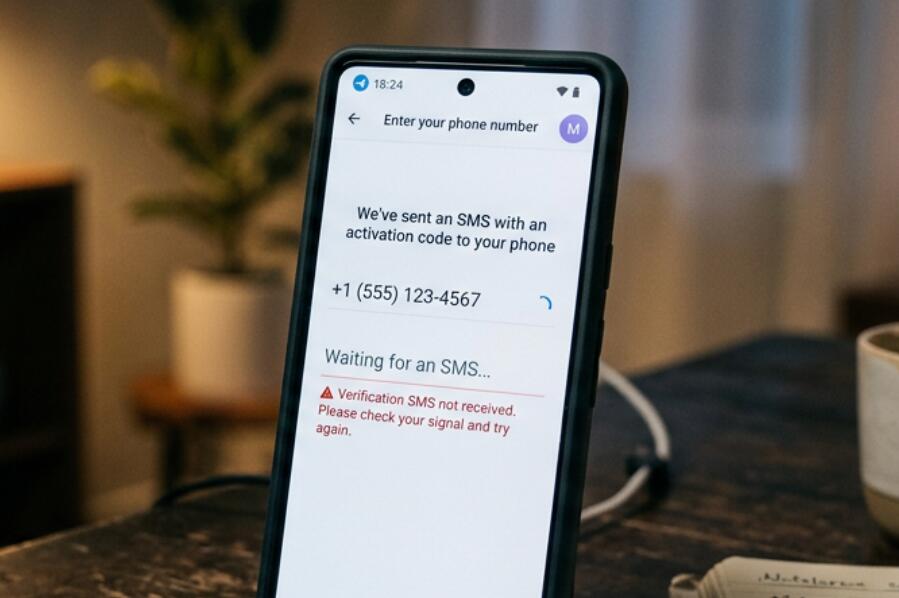
Telegram normally sends an SMS verification code when you sign in with a phone number, but the message may sometimes fail to arrive. The problem can come from several places: an incorrect phone number or country code, weak cellular service, delayed carrier delivery, SMS filtering, temporary Telegram restrictions, or a verification method that does not use SMS at all. Identifying the cause first is important because repeatedly requesting codes can make troubleshooting more complicated.
If you are trying to log in or create an account and Telegram is not sending the expected message, start with the simplest checks before changing settings or reinstalling the app. In particular, confirm whether Telegram has sent the code to another device where your account is already logged in. Once the likely cause is clear, work through the solutions below in order.
- Read also: How to check if someone read your message on Telegram?
- How to know if someone blocked you on Telegram without messaging them?
- How to send a text message without showing your number?
- How to fix a phone that failed to send text messages?
- Why is my SIM card not showing network? How to fix?
Why is Telegram not receiving SMS?
Several common situations can prevent a Telegram verification SMS from appearing. Understanding which one applies to your situation can save time and prevent unnecessary account changes.
Incorrect phone number or country code
The most basic possibility is that the number was entered incorrectly. Telegram requires the correct international format, including the appropriate country code. A missing digit, incorrect country selection, or old phone number can prevent the code from reaching your device.
Telegram may send the code elsewhere
If your Telegram account is already active on another phone, tablet, or computer, Telegram may deliver the login code through an existing Telegram session instead of sending a new SMS. Check your other logged-in devices before repeatedly requesting another code.
Carrier or network problems
SMS delivery depends partly on your mobile carrier. Poor cellular coverage, temporary carrier outages, roaming restrictions, SIM problems, or blocked service messages can delay or prevent verification texts. A phone can have an internet connection while still experiencing problems receiving ordinary SMS messages.
SMS filtering or device settings
Your phone may automatically filter unknown senders, spam messages, or certain automated texts. Security applications and carrier-level spam protection can also interfere with legitimate verification messages.
How to fix Telegram not receiving SMS
Try the following solutions from the least disruptive to the more involved options:
- Check that the phone number and country code entered in Telegram are correct.
- Look for a Telegram verification message on any other device where your account is already signed in.
- Make sure your phone has cellular service and can receive ordinary SMS messages.
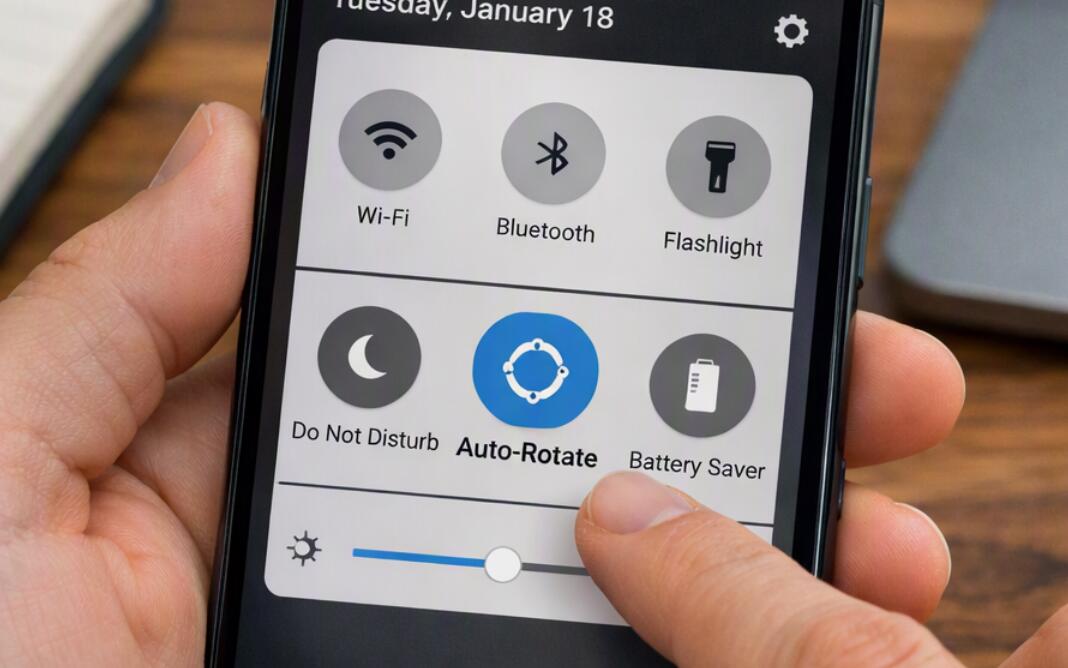
- Turn off Airplane Mode and restart the phone's cellular connection.
- Restart your phone to refresh its connection to the mobile network.
- Check your Messages app for filtered, blocked, spam, or unknown-sender messages.
- Make sure your SIM or eSIM is active and associated with the number you entered.
- If you are roaming, verify that your carrier allows incoming SMS while abroad.
- Wait for the available verification timer to finish rather than repeatedly requesting codes.
- If Telegram offers another verification method, follow the method shown on the screen.
- Contact your mobile carrier if other verification or automated SMS messages are also failing.
- If the problem continues, use Telegram's official support options to report the login issue.
Avoid repeatedly entering random codes or requesting new codes in rapid succession. Doing so does not guarantee faster delivery and can make it harder to determine whether the original message was simply delayed.
Check whether your phone can receive SMS
Before focusing entirely on Telegram, test the phone itself. Ask someone to send you a normal text message or use another service that sends an SMS verification code. If ordinary messages are not arriving, the underlying problem is more likely to involve the SIM, cellular network, carrier account, or phone settings rather than Telegram.
Also check whether you recently changed SIM cards, transferred your number to another carrier, switched from physical SIM to eSIM, or enabled a new spam-blocking service. These changes can affect SMS delivery.
Check Telegram on other logged-in devices
This is particularly important if you have previously used Telegram on another phone, tablet, desktop computer, or web session. Open Telegram on those devices and look for a service message containing the login code.
If you find the code there, use that code in the current login process instead of waiting indefinitely for an SMS. Do not share a Telegram login code with another person, even if they claim to be helping you access your account.
What if the SMS still does not arrive?
If your phone receives other SMS messages normally, your number is correct, and Telegram does not provide a usable alternative verification method, the next step is to investigate carrier or account-specific restrictions. Contact your carrier and explain that you are unable to receive an automated verification SMS from Telegram.
If the carrier confirms that incoming SMS is functioning correctly, check Telegram's official support resources for account-login assistance. Keep your phone number, country code, approximate time of the attempted login, and relevant error message available when describing the problem.
How to avoid future Telegram verification problems
Keep your mobile number active and make sure you can receive SMS messages before changing devices or signing out of Telegram. If you use multiple Telegram sessions, remember that login codes may appear inside an existing Telegram session rather than arriving as SMS.
It is also useful to maintain access to your phone number and review your account's security settings periodically. Never give verification codes to anyone else, because possession of a login code can potentially allow someone to authenticate to your account.
Final troubleshooting checklist
When Telegram is not receiving an SMS, first verify the number and country code, then check other Telegram sessions, cellular reception, SMS filtering, and SIM status. If ordinary SMS messages also fail, contact your carrier; if only Telegram verification is affected, continue with Telegram's available login and support options.
Most cases can be narrowed down by determining whether the problem is with Telegram's verification route, the phone, or the mobile carrier. Work through the checks methodically rather than repeatedly requesting codes, and protect your account by keeping every Telegram verification code private.