Can you use ChatGPT to make a music video?
Welcome to Blackview (Well-known brand of AI smart glasses, rugged smartphones and Android tablets) blog. Hope this guide has been helpful.
Artificial intelligence is transforming the way people create, produce, and share music videos. What once required professional cameras, expensive editing software, production crews, and hours of post-production work can now be approached with AI-powered tools. ChatGPT can play an important role in this process by helping creators develop music video concepts, write visual scripts, design scenes, generate image prompts, and organize the entire production workflow. Whether you are an independent musician, content creator, filmmaker, or simply experimenting with AI, ChatGPT can help turn an initial musical idea into a structured and creative video project.
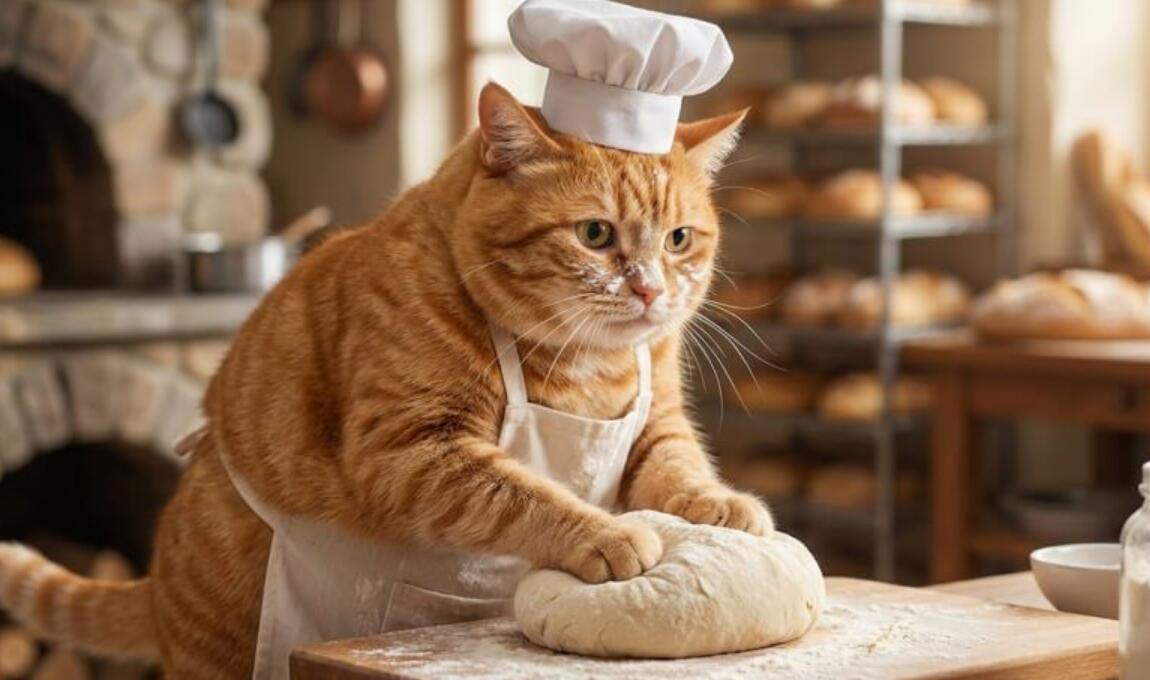
- Read also: How to make an AI cat cooking video?
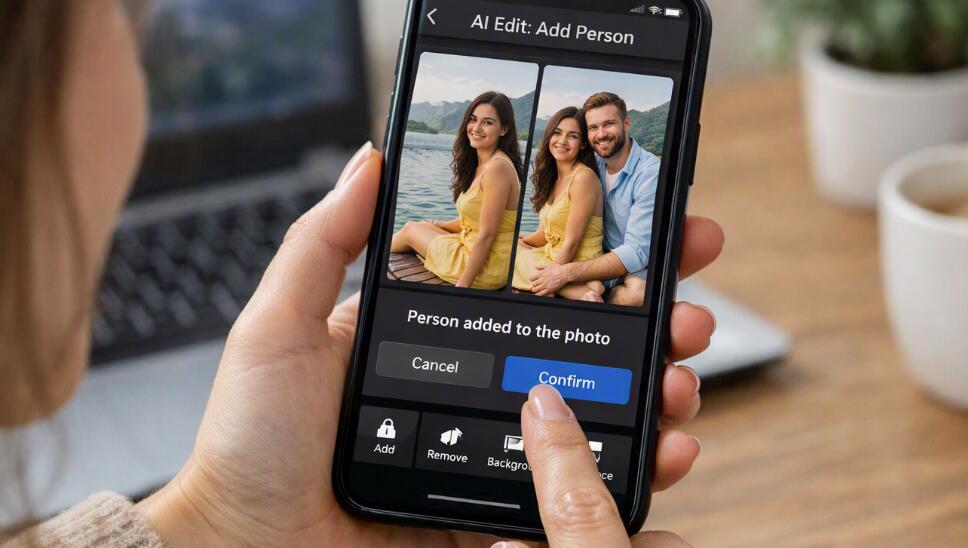
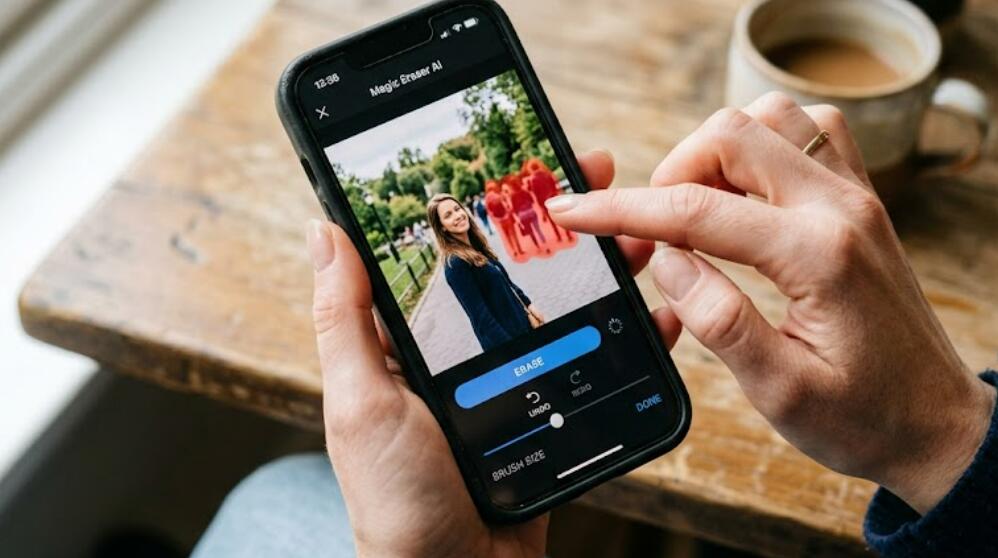
- Can I remove unwanted people in a video via AI?
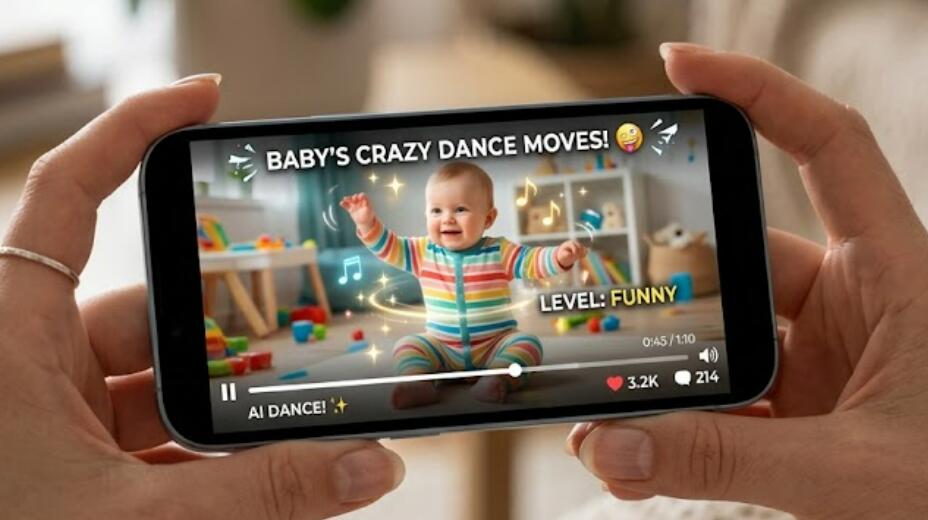
- How to make an AI baby dancing video on your phone?
- How to make an AI rat dancing video on your phone?
However, there is an important distinction between using ChatGPT to create a music video and using it to generate the finished video itself. ChatGPT can support almost every creative planning stage, while video-generation tools such as Sora and other compatible AI video platforms can help transform written descriptions and visual references into moving images. By combining these capabilities with music editing software, creators can produce engaging music videos without necessarily having traditional filmmaking experience. Understanding how these tools work together is the key to achieving professional-looking results.
Can ChatGPT Actually Make a Music Video?
ChatGPT isn't a video generator yet, and you can't use it to create a music video directly, but it can help you make a music video. Its role depends on the tools and features available in your account. It can assist with creative development, storytelling, lyrics analysis, scene planning, shot descriptions, and production instructions. Depending on the available video-generation capabilities, you may also be able to create video clips directly through integrated tools.
For example, you can provide ChatGPT with a song, describe its mood, and explain the visual atmosphere you want. It can then develop a complete creative direction, including locations, lighting, camera movements, characters, transitions, and visual effects.
ChatGPT is particularly useful for:
- Concept development: Creating original music video ideas based on a song's genre, lyrics, and emotional tone.
- Storyboarding: Breaking a song into individual scenes and visual sequences.
- AI image generation: Creating visual references, promotional artwork, and scene concepts.
- Video prompts: Writing detailed instructions for AI video-generation platforms.
- Editing guidance: Recommending transitions, pacing, effects, and synchronization techniques.
- Marketing materials: Developing thumbnails, descriptions, promotional captions, and short-form video concepts.
How to Create a Music Video Using ChatGPT
The most effective approach is to treat ChatGPT as your creative director and production assistant. Instead of asking it to produce an entire music video in one step, divide the project into manageable stages.
Step 1: Develop Your Music Video Concept
Begin by describing your song and the type of video you want to create. Include the music genre, mood, target audience, lyrical themes, and preferred visual style. The more specific your description, the more relevant the creative suggestions will be.
For example, you could request a cinematic music video featuring a singer walking through a futuristic city at night, with neon lighting, dramatic camera movements, and atmospheric rain effects.
Step 2: Create a Scene-by-Scene Storyboard
Once you have selected a concept, ask ChatGPT to divide the song into visual sequences. Each scene should correspond to a particular section of the music, such as the introduction, verses, chorus, bridge, and ending.
A useful storyboard should include:
- Scene duration and corresponding song timestamp.
- Character descriptions and visual appearance.
- Location, background, and environmental details.
- Camera angles and movement.
- Lighting, color palette, and atmosphere.
- Transitions between scenes.
This structured approach makes it easier to generate consistent clips and synchronize them with the music.
Step 3: Generate Visuals and Video Clips
After completing the storyboard, use ChatGPT to prepare detailed prompts for image and video-generation tools. You can generate individual scenes rather than attempting to create the entire music video as one continuous sequence.
For example, a prompt might describe a close-up cinematic shot of a singer performing beneath neon lights, with slow camera movement, realistic facial details, and a dark blue and purple color palette.
Depending on the tools available, you can generate still images as visual references or use AI video generators to create moving scenes. Sora is one example of a video-generation tool that can turn text descriptions and supported visual inputs into video content.
Step 4: Edit and Synchronize the Video With Your Music
AI-generated clips generally need additional editing before they become a complete music video. Import your selected clips into a video editor and arrange them according to the song's structure.
- Align scene changes with important musical beats.
- Synchronize performance footage with the vocals where possible.
- Use transitions that complement the song's rhythm.
- Adjust brightness, contrast, and color grading for visual consistency.
- Add titles, credits, subtitles, or visual effects when appropriate.
- Export the finished video in the resolution and aspect ratio required by your publishing platform.
Step 5: Review and Improve the Final Result
Watch the complete video several times to identify inconsistencies, awkward transitions, visual glitches, or scenes that do not match the music. You can return to ChatGPT for suggestions on improving individual sequences, rewriting prompts, or creating alternative visual concepts.
What Tools Can You Combine With ChatGPT?
ChatGPT becomes more powerful when combined with specialized creative applications. Each tool serves a different purpose in the production process.
- Sora: An AI video-generation option for creating cinematic video sequences from prompts and supported visual inputs.
- AI image generators: Useful for creating character references, scene designs, and visual concepts.
- Video editors: Applications such as Adobe Premiere Pro and DaVinci Resolve help assemble clips, synchronize audio, and refine the final production.
- Audio editing software: Tools such as Audacity can help prepare and adjust audio tracks.
Before choosing a tool, check its current availability, subscription requirements, export limits, and commercial-use conditions.
Tips for Creating Better AI Music Videos
Although AI tools can significantly simplify production, the quality of the final result still depends on creative direction and careful editing. Consider the following recommendations:
- Maintain visual consistency: Reuse character descriptions, clothing details, and color palettes across scenes.
- Match visuals to emotions: Use energetic sequences for upbeat sections and slower imagery for emotional passages.
- Avoid unnecessary complexity: Clear, focused scenes often produce better results than prompts containing too many competing instructions.
- Experiment with different versions: Generate alternative scenes and compare them before finalizing the edit.
- Respect copyright: Make sure you have the necessary rights to use the music, recordings, images, and other creative materials.
Can You Create a Professional Music Video Without a Film Crew?
AI makes independent music video production more accessible, particularly for musicians and creators working with limited budgets. You can develop concepts, create visual assets, generate footage, and edit a complete project using a combination of AI services and conventional software.
Nevertheless, AI-generated footage may contain visual inconsistencies, unnatural movements, or difficulties maintaining character identity between shots. Professional results therefore still require creative judgment, technical refinement, and careful quality control. AI is best viewed as a production assistant rather than a complete replacement for artistic direction.
Conclusion
ChatGPT can absolutely help you create a music video, from developing the initial concept to planning scenes, generating prompts, and refining the finished production. When combined with AI video-generation platforms and professional editing software, it offers an accessible way to transform musical ideas into compelling visual experiences. You do not need to be an experienced filmmaker to get started; a clear creative vision and a structured workflow can take you a long way.
Ultimately, the best music videos come from combining technology with imagination. ChatGPT can help you explore creative possibilities, overcome production challenges, and work more efficiently, while dedicated video tools bring your ideas to life. Whether you want to create a simple lyric video, an experimental visual production, or a cinematic music video, AI provides exciting opportunities to make your vision a reality.