How to use a thermal imaging phone to check if your house's smart lights are overheating?
Welcome to Blackview (Which offers rugged smartphone, such as phone with projector and thermal camera phone, and more) blog. Hope the guide helps.
Smart lighting systems have become a standard feature in modern homes, offering convenience, automation, and energy efficiency. However, like any electronic device, smart lights can generate heat during operation. If left unchecked, excessive heat may reduce their lifespan or even pose safety risks. Using a thermal imaging phone provides a simple yet powerful way to monitor temperature variations and identify potential overheating issues early.
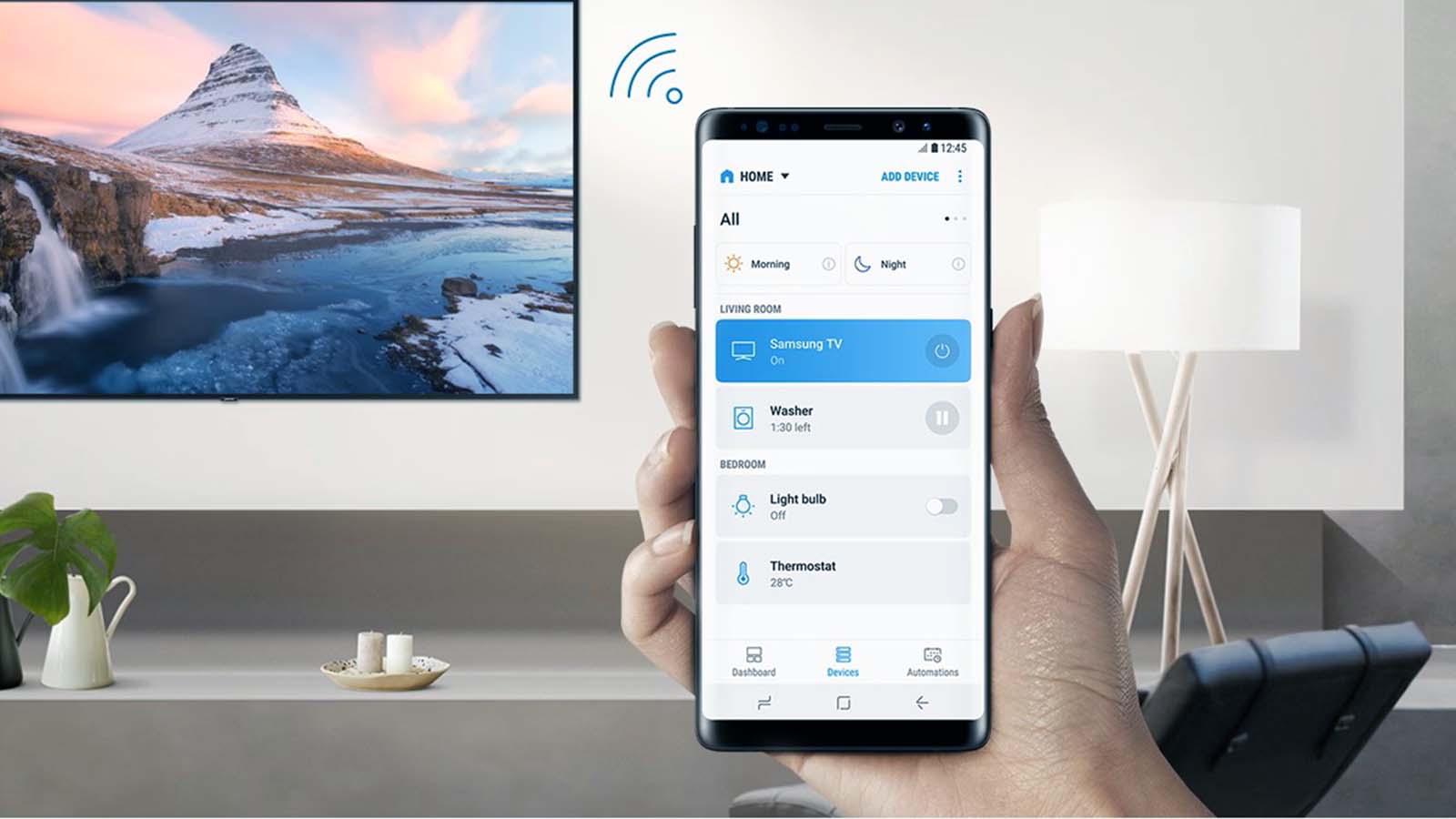
- Read also: How to control smart lights with your phone?
Thermal imaging technology allows you to visualize heat patterns that are invisible to the naked eye. With a compatible smartphone, you can easily scan your home lighting setup and detect abnormal temperature spikes. This approach is especially useful for recessed lighting, enclosed fixtures, or areas with limited airflow, where heat buildup is more likely to occur.
Why Thermal Imaging is Effective for Home Safety
Unlike traditional methods of checking heat, such as touching fixtures or relying on guesswork, thermal imaging provides precise, real-time data. It highlights hot spots and temperature differences clearly, making it easier to assess whether your smart lights are operating within safe limits.
Preparing Your Thermal Imaging Phone
Setting Up the Device
Before you begin, ensure your thermal imaging app or attachment is properly installed and calibrated. Most thermal imaging phones come with built-in software that allows you to adjust sensitivity, color palettes, and temperature ranges. Take a moment to familiarize yourself with these settings to get accurate readings.
Choosing the Right Environment
For best results, perform your inspection in a stable environment. Turn on your smart lights and allow them to run for at least 10–15 minutes so they reach their normal operating temperature. Dim or turn off other light sources if possible, as this can help you focus on the specific fixtures you want to examine.
Scanning Your Smart Lights for Heat Patterns
How to Conduct the Scan
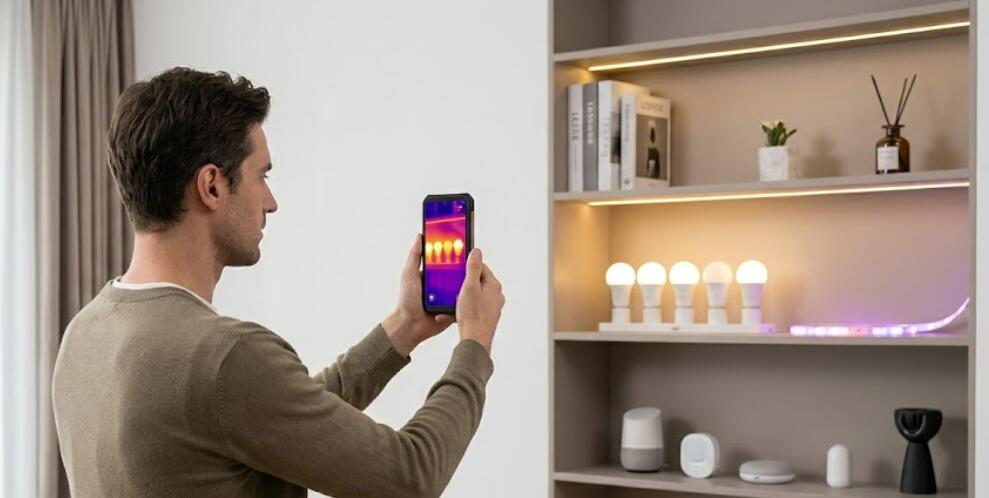
Hold your thermal imaging phone at a steady distance from the light fixture and slowly move it across the surface. Pay close attention to areas where heat tends to accumulate, such as the base, wiring connections, and enclosed housings. The display will show a color gradient, with warmer areas appearing in brighter or contrasting colors.
- Scan each light fixture individually
- Compare similar lights in different rooms
- Look for unusual heat concentrations
- Take screenshots for later comparison
Interpreting the Results
Normal smart lights will emit some heat, but the temperature should remain consistent and within manufacturer guidelines. If one fixture appears significantly hotter than others of the same type, this could indicate a problem such as poor ventilation, faulty wiring, or a defective bulb.
Identifying and Addressing Overheating Issues
Common Causes of Overheating
Overheating in smart lights can occur for several reasons. Enclosed fixtures can trap heat, while incorrect wattage or incompatible bulbs may push the system beyond its intended limits. Dust buildup and lack of airflow can also contribute to rising temperatures over time.
- Improper installation or tight enclosures
- Using non-compatible smart bulbs
- Ventilation issues in ceilings or walls
- Electrical faults or aging components
Practical Solutions
If you detect overheating, start by turning off the affected light and allowing it to cool. Check the fixture for obstructions or dust and ensure it is installed correctly. Consider switching to bulbs with lower heat output or improving ventilation around the fixture. In more serious cases, consulting a professional electrician is recommended to prevent potential hazards.
Using a thermal imaging phone to monitor your smart lighting system is a proactive step toward maintaining a safe and efficient home. It allows you to detect hidden issues before they escalate, giving you peace of mind and helping extend the life of your devices.
By incorporating regular thermal checks into your home maintenance routine, you can ensure that your smart lights continue to perform optimally without posing unnecessary risks. This simple yet effective technique empowers homeowners to take control of their environment with confidence and precision.