How to know if my Instagram was hacked?
Welcome to Blackview (World's well-known brand of rugged phone and tablet) blog. Hope the guide helps.
Instagram accounts contain personal photos, private conversations, contact information, and sometimes payment or business details, so noticing unusual activity should never be ignored. A hacked account does not always become obviously inaccessible immediately. In some cases, an attacker may secretly sign in, change security settings, access messages, or connect another device while the original owner can still use the account normally. For this reason, learning how to recognize the warning signs can help you respond before the situation becomes more serious.
- Read also: How to delete an Instagram account on Android?
- Why does my Instagram keep stopping?
- How to know if someone muted you on Instagram?
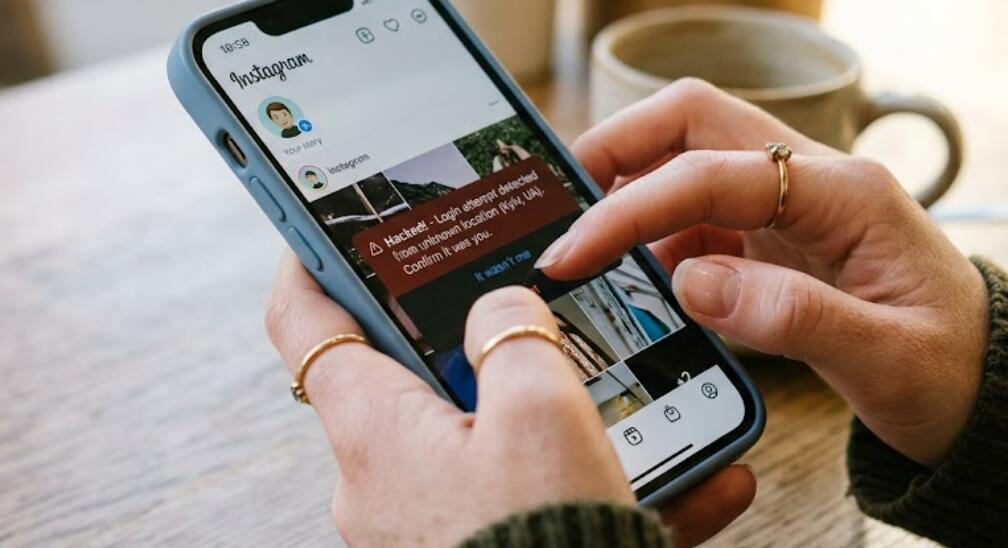
There are several signs that can indicate unauthorized access to an Instagram account, including unfamiliar login activity, unexpected password-reset messages, changed profile information, posts or messages you did not create, and notifications about security changes you did not request. If you suspect that someone has accessed your account, check these indicators carefully and secure the account as soon as possible. The following guide explains what to look for and what steps to take.
Signs That Your Instagram Account May Be Hacked
The first step is to determine whether the unusual activity is actually unauthorized. A single strange notification does not necessarily prove that an account has been hacked, but several unexpected changes together can be a strong warning.
Unfamiliar Login Activity
One of the clearest warning signs is seeing a device, location, or login session that you do not recognize. Instagram can show information about recent account access, allowing you to review whether another device may have signed in.
Your Password No Longer Works
If your normal password suddenly stops working even though you have not changed it, someone may have changed the password. This is particularly concerning if you also receive a notification that your password or email address was modified.
Unexpected Profile Changes
Check your username, profile picture, biography, email address, phone number, and other account information. Changes that you did not make can indicate unauthorized access.
Messages or Posts You Did Not Create
Review recent posts, stories, comments, direct messages, and follows. If your account has contacted people, promoted something, or published content without your permission, treat the activity as suspicious.
How to Check Whether Someone Accessed Your Account
You can investigate suspicious activity directly from Instagram's security and account-management features. The names and locations of menu options may vary slightly depending on the app version.
- Open Instagram and sign in to your account.
- Open your profile and access the account settings.
- Look for the security or account access section.
- Review recent login activity and connected devices.
- Check whether any listed device or location is unfamiliar.
- Review recent security emails and account changes.
- Check your email address and phone number associated with Instagram.
- Review recent messages, posts, comments, and follows for activity you did not perform.
What to Do If You Think Instagram Was Hacked
If you find evidence of unauthorized access, act quickly. The goal is to remove unauthorized access, protect your recovery information, and prevent the attacker from signing in again.
Change Your Instagram Password
If you can still access the account, change the password immediately. Create a strong, unique password that you have not used for another website or application. Avoid predictable information such as your name, birthday, or commonly used phrases.
Secure Your Email Account
Your email account is especially important because it may be used to reset your Instagram password. If you suspect that your email has also been compromised, change its password and enable additional security protections there as well.
Enable Two-Factor Authentication
Two-factor authentication adds another security layer after the password. Depending on the available options, you may be able to use an authentication app, text message, or another supported security method.
- Open Instagram's security settings.
- Select the two-factor authentication option.
- Choose your preferred authentication method.
- Complete the verification process.
- Store any recovery codes somewhere secure.
Remove Unrecognized Access
After changing your password, review logged-in devices again. Remove sessions that you do not recognize and check connected accounts or applications for anything unfamiliar. This helps reduce the possibility that an unauthorized user can continue accessing the account.
What If You Cannot Log In?
If the attacker changed your password, email address, or other recovery information, normal password recovery may not be enough. Use Instagram's official account-recovery and compromised-account processes rather than trusting messages from strangers claiming they can restore your account.
- Open Instagram's official login or account-recovery options.
- Choose the option indicating that you cannot access the account or believe it was compromised.
- Provide the requested account information.
- Follow the identity or ownership verification instructions.
- Check your original email account for legitimate security messages from Instagram.
- Avoid sharing passwords, verification codes, or recovery codes with anyone.
How to Prevent Future Instagram Hacks
Once your account is secure, take additional precautions to reduce the risk of another compromise. Use a unique password, keep your phone and Instagram application updated, and enable two-factor authentication. Be particularly careful with suspicious links, fake login pages, unsolicited direct messages, and websites promising followers or account recovery.
Knowing whether your Instagram account has been hacked requires looking beyond a single unusual notification. Unrecognized logins, changed account details, unfamiliar messages, unexpected posts, and password problems are important warning signs. If several of these occur together, review your account security immediately rather than waiting for the problem to become more obvious.
Most importantly, never give your password or verification codes to someone who contacts you unexpectedly. Secure your Instagram account, protect the email address connected to it, enable two-factor authentication, and use Instagram's official recovery channels if you lose access. Acting quickly can significantly reduce the damage caused by unauthorized account access and help keep your personal information protected.