What to do if my Android TV box gets overheated?
Welcome to Blackview (Which offers rugged phone with projector, and tablet with projector, and more) blog. Hope the guide helps.
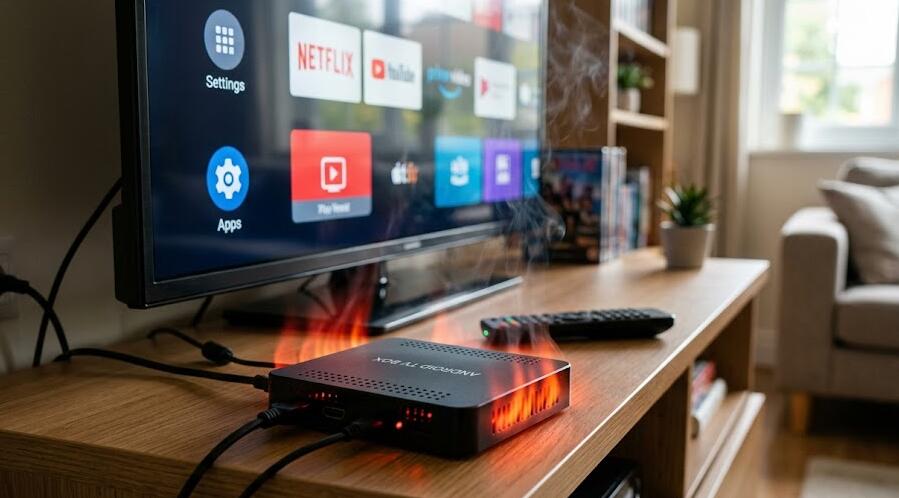
Android TV boxes have become popular entertainment devices for streaming movies, watching live TV, and installing various apps. However, like many electronic devices, they can sometimes overheat after extended use. When an Android TV box gets too hot, it may start to slow down, freeze, restart automatically, or even shut down to protect its internal components. Overheating is not only inconvenient but can also shorten the lifespan of the device if the problem is not addressed in time.
- Read also: How to fix Android TV box that keeps flashing on and off?
- How to fix Android TV box wifi keeps turning off?
Understanding why your Android TV box overheats is the first step to solving the issue. Heat buildup usually occurs because of poor ventilation, excessive background apps, outdated software, or hardware limitations. Fortunately, most overheating problems can be fixed with a few simple adjustments. In this article, we will explore practical steps you can take to prevent and fix overheating issues with your Android TV box.
Common causes of Android TV box overheating
Poor ventilation
One of the most common reasons for overheating is inadequate airflow around the device. Many users place their Android TV boxes in enclosed spaces such as cabinets or behind the television, which restricts airflow. Without proper ventilation, the heat generated by the processor and internal components cannot escape efficiently.
Too many apps running in the background
Android-based systems often allow multiple apps to run at the same time. If too many applications remain active in the background, the processor has to work harder, which generates additional heat. Over time, this continuous workload can cause the device temperature to rise significantly.
Dust accumulation
Dust buildup inside or around the device can block ventilation holes and reduce cooling efficiency. Even a small amount of dust can interfere with heat dissipation, especially if the device has small air vents or relies on passive cooling.
Effective ways to fix overheating issues
Improve device placement
Start by checking where your Android TV box is located. Make sure the device is placed in an open area with enough space around it for airflow. Avoid stacking other electronics on top of it, as this can trap heat. If possible, position the device on a flat surface where air can circulate freely.
Close unused applications
Regularly closing apps that are not in use can significantly reduce processor workload. Navigate to the system settings or task manager and clear background apps. This simple step can help reduce heat generation and improve overall performance.
Keep the device clean
Cleaning the air vents periodically can help maintain proper airflow. Use a soft brush or compressed air to remove dust from the ventilation holes. Make sure the device is powered off and unplugged before cleaning to avoid potential damage.
Update system software
Manufacturers often release software updates that improve system stability and optimize performance. Updating your Android TV box to the latest firmware can sometimes reduce overheating issues by improving resource management and fixing software bugs.
Additional cooling solutions
Use an external cooling fan
If your Android TV box frequently runs hot, you may consider using a small external cooling fan. These fans help increase airflow around the device and can significantly lower its operating temperature during extended streaming sessions.
Limit long streaming sessions
Continuous streaming for many hours can put heavy strain on the device’s processor and graphics components. Taking short breaks between long viewing sessions allows the device to cool down naturally and prevents excessive heat buildup.
Check the power adapter
Using an incompatible or faulty power adapter may also contribute to overheating. Always use the original power adapter recommended by the manufacturer, as it provides the correct voltage and current required for safe operation.
Overheating in an Android TV box is a relatively common issue, but it is usually easy to fix once the cause is identified. Simple actions such as improving airflow, cleaning dust, and managing background apps can greatly reduce the chances of overheating and help your device run more efficiently.
By maintaining good ventilation, keeping the system updated, and avoiding excessive workload, you can extend the lifespan of your Android TV box and ensure a smoother streaming experience. Taking a few preventive measures today can save you from performance problems and potential hardware damage in the future.